.png)
Schools without a student information system still pay for one. The cost just hides in staff hours spent reconciling spreadsheets, re-entering data, and chasing down the current version of a record. This guide looks at where that time goes, and what an SIS gives back.
Every independent school runs on student information, whether or not it has software to manage it. Someone always knows who enrolled this year, who was absent this morning, and what the ministry expects by Friday. A careful office team can only stretch so far, though. At a certain size the school needs purpose-built software carrying that load.
What does that software actually do? Below, we'll cover how schools use a student information system day to day, which features matter, and what to watch out for when you talk to vendors.
What Is a Student Information System (SIS)?
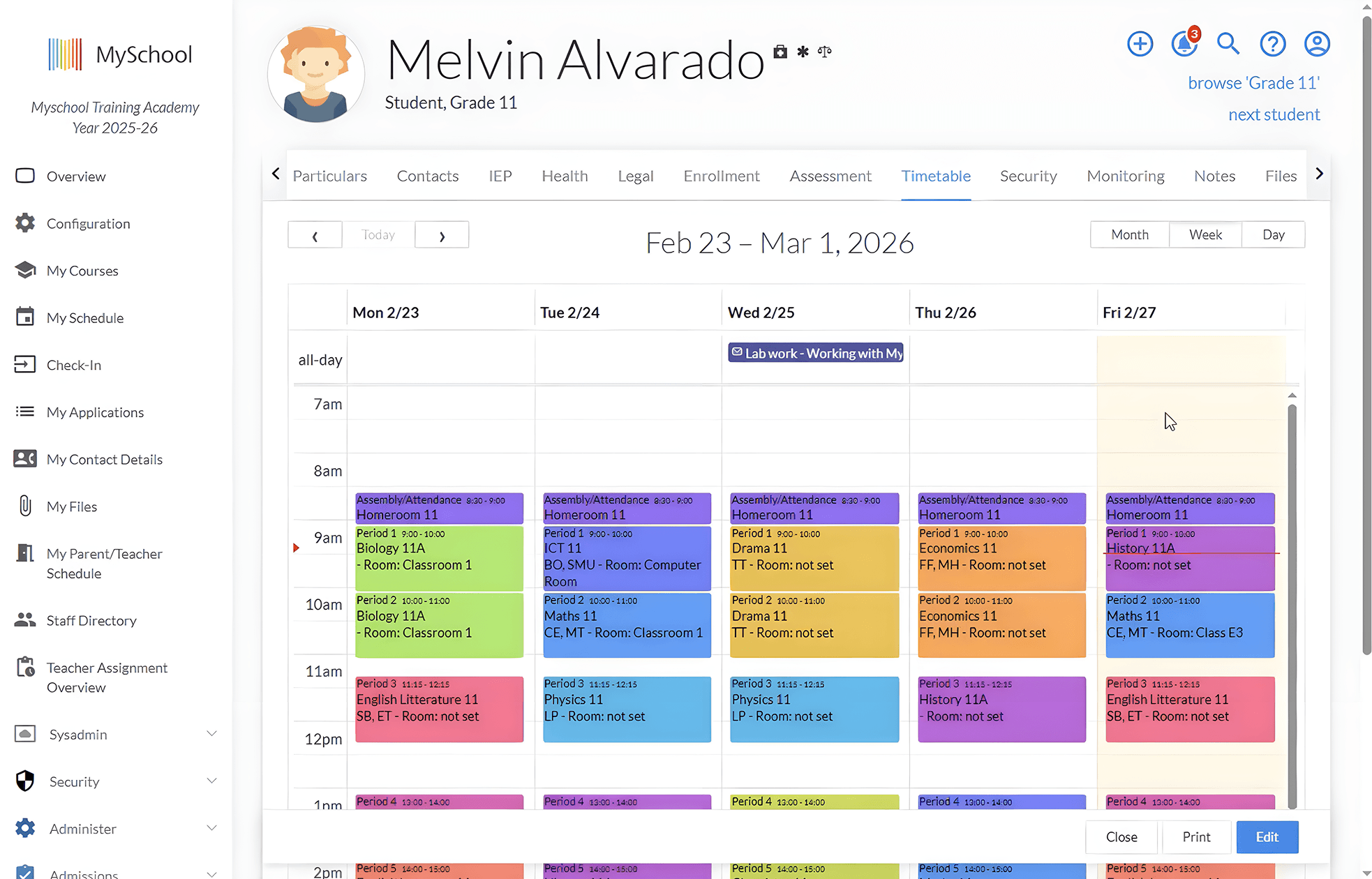
A student information system (SIS) is a centralized software platform that stores, manages, and organizes all student data across the entire school, from attendance and grades to health records and family communication.
Most platforms handle the same core jobs:
- Student records gathering academic history, contact information, health notes, and key documents into a single profile;
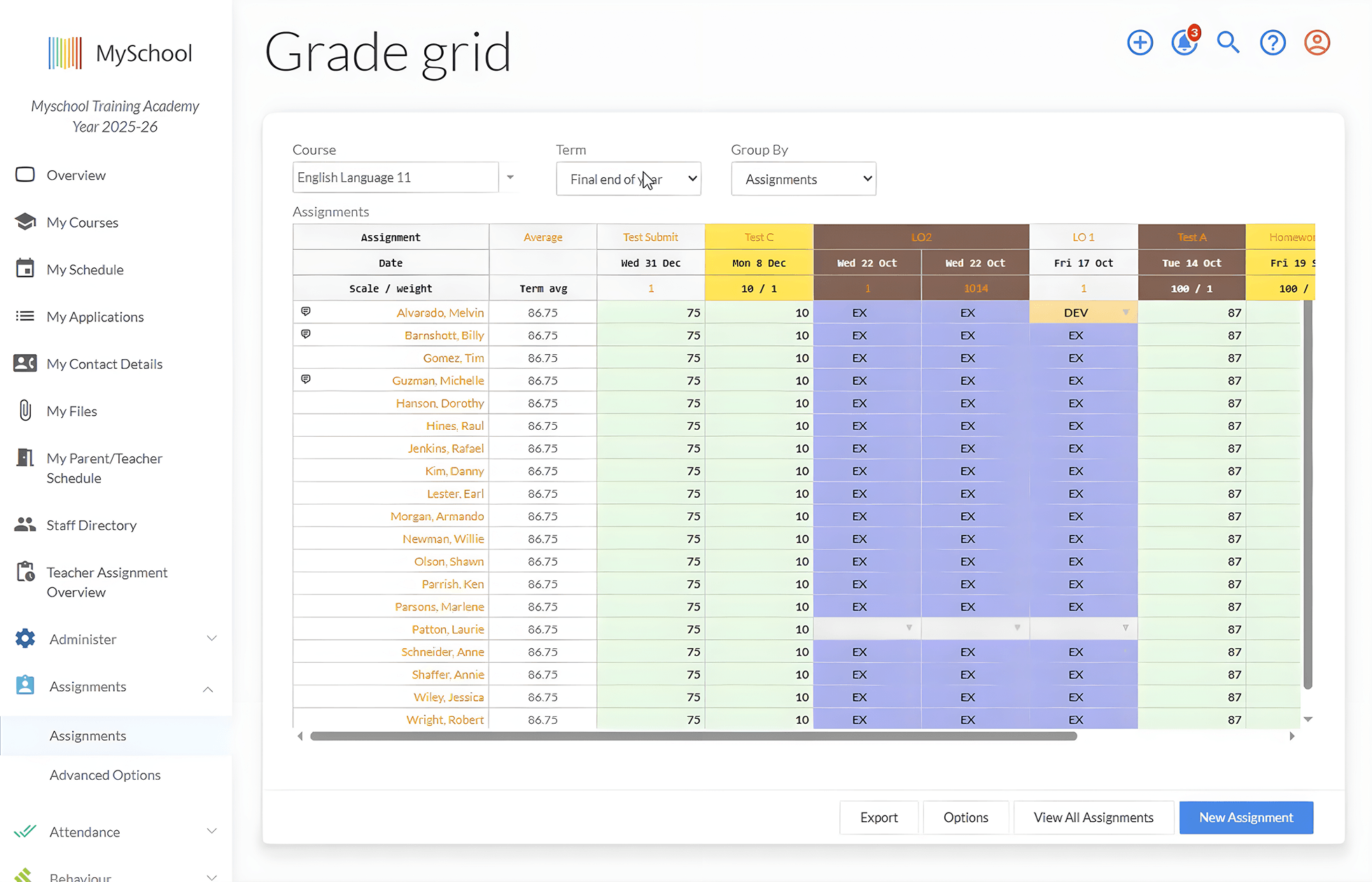
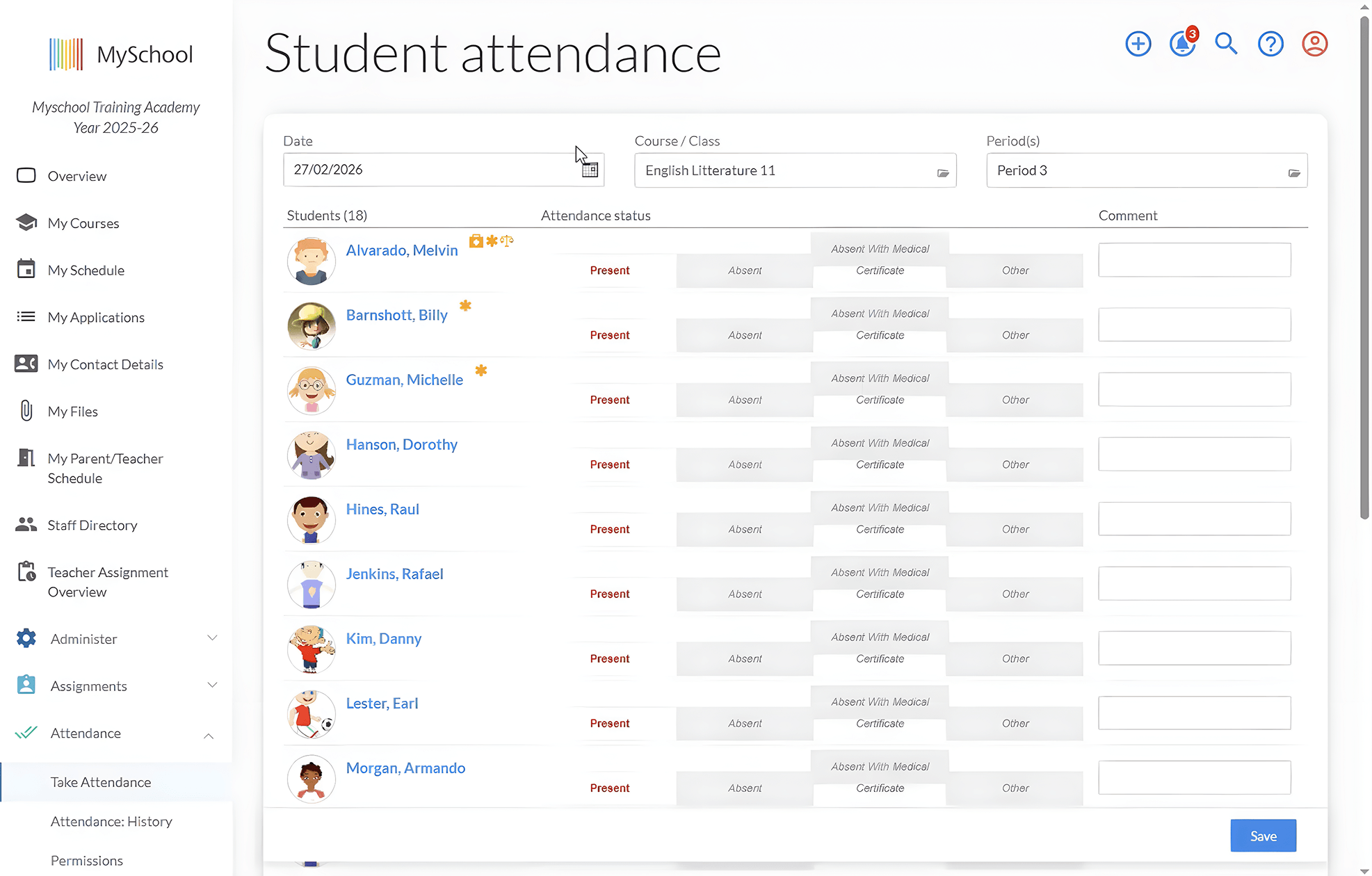
- Attendance tracking with real-time roll call, alerts when an absence needs follow-up, and registers ready whenever the ministry asks;
- Timetabling that manages classes, teachers, and rooms together, so a double-booked classroom surfaces in August rather than on the first day of term;
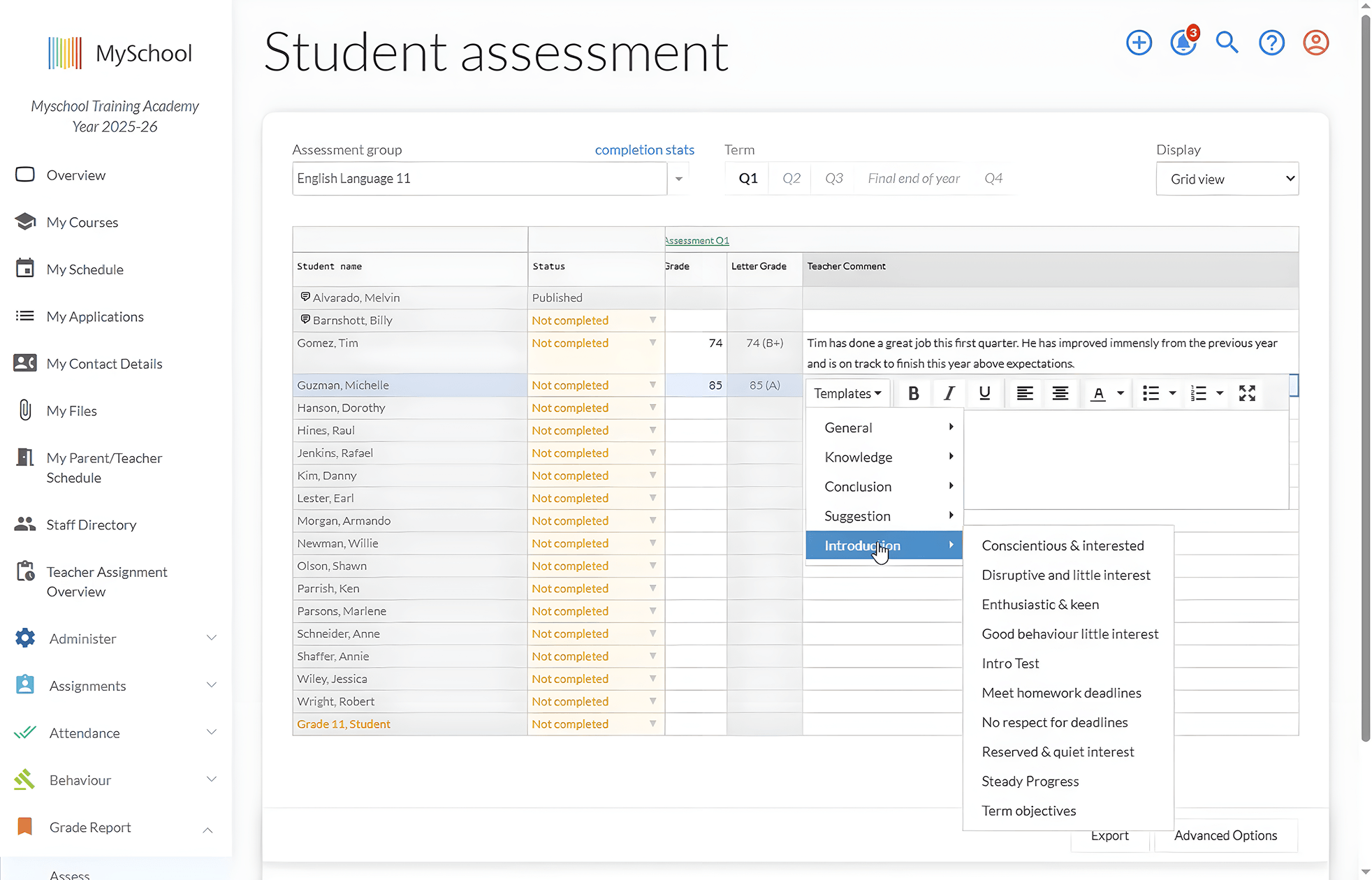
- Reporting that lets school leaders pull enrolment and performance data themselves instead of requesting it from the office;
- Family and contact management keeping guardian relationships, emergency contacts, and communication preferences current;
- Role-based access controls that ensure staff, parents, and students each see exactly what they should, and nothing they shouldn't.
None of this work is new; schools have always taken attendance and kept records somehow. An SIS changes where that work happens. And that matters more than it sounds.
Why Does Your School Need a Student Information System?
Most schools start with paper files, spreadsheets, and a few disconnected tools. The approach works until the school grows.
Then records drift out of sync across systems, staff lose hours tracking down the current version, and every manual entry becomes a chance for an error to creep in. Unsecured spreadsheets carry a privacy risk that grows right along with enrolment.
Independent schools feel this pressure sooner than most. The same two or three people often handle enrolment, attendance, ministry reporting, and special education documentation, responsibilities that larger institutions distribute across entire departments. Provincial requirements raise the stakes. Attendance registers, student record standards, and IEP documentation all demand accuracy. And spreadsheets struggle to deliver it.
A few questions will tell you if you're unsure whether your school has reached that point:
- Are you managing student records across more than two separate tools?
- Do staff regularly spend time reconciling conflicting or outdated data?
- Is generating a compliance or attendance report a manual and multi-step process?
- Do different departments have different versions of the same student's information?
- When a student's details change, does someone have to update it in multiple places?
If you answered yes to two or more of these questions, you're already paying the operational cost of not having a student information system. It just shows up as staff hours instead of a line item in the budget. The question then becomes what a good system should actually fix, and how to recognize one when you see it.
Key Features and Benefits of a Student Information System
At first glance, recognizing one is harder than it sounds, because most platforms advertise a nearly identical set of core features. The real difference is how much admin work each platform takes off your team's plate.
| Feature | Benefit |
| Centralized student records | Staff answer questions from one trusted profile instead of cross-checking three different tools |
| Attendance tracking | Absences surface the same morning, not at the end of the month |
| Timetables and scheduling | Room and teacher conflicts get caught before the term starts |
| Reporting and analytics | Enrolment and performance reports take minutes to produce instead of days |
| Family and contact management | Emergency contact details are current at the moment staff need them most |
| Role-based access control | Sensitive records stay visible only to those authorized to see them |
| Integrations with other school systems | Admissions, tuition, and communication data stays in sync without anyone re-entering it |
| Mobile access | Staff and families can find answers without waiting for office hours |
Common Challenges When Choosing and Implementing SIS
The feature list is only half the decision. The other half is avoiding the mistakes schools make on the way there. The most expensive ones happen before implementation even begins:
- Choosing a system based primarily on price rather than fit for how your school actually operates
- Treating the SIS as a standalone tool, when it should be the system supporting admissions, communication, billing, and learning management
- Skipping input from teachers and operations staff. Their requirements then surface after the contract is already signed
- Underestimating data migration. Years of spreadsheet records take real time to clean and move
- Giving little thought to staff training. The same goes for the vendor support you'll get after launch
Summary
A student information system is the foundation of effective school operations. When student information lives in one place, staff spend less time chasing down records and correcting errors, and more of their day goes to the work that actually serves students.
For a small administrative team, that shift is bigger than it sounds. It's the attendance report that takes ten minutes instead of an afternoon. It's the parent who gets an accurate answer on the first call. It's knowing, when the ministry deadline arrives, that the data is already right.
MySchool's Student Information System is built specifically for independent K-12 schools. It gives your team one secure place to manage student records, attendance, reporting, family information, and provincial requirements, with native connections to admissions, tuition management, communication, and learning management that keep your entire operation working from the same data.
Explore MySchool's Student Information System or talk to our team →
Related Posts
Fix the Process or Replace the School Management System? How to Tell Which Problem You Have
Before you retrain the team or start shopping for new software, find out where the extra work actually begins. Learn how to test whether better ownership, training, and process design will solve the issue — or whether the limitation sits in the system itself.
School Administration Software: Tools for Independent Schools
Canadian independent school administrators juggle dozens of tasks every day. This guide highlights 11 tools that can make that work simpler, faster, and easier to manage.

The First 30 Days Back: Where School Operations Start to Crack
The first 30 days back show you how your school’s operations really hold up under pressure. This post helps you separate normal start-of-year friction from operational issues that followed you from last year.