.png)
Choosing a student information system is a decision your school lives with for years. This guide covers what to examine before you commit to a vendor.
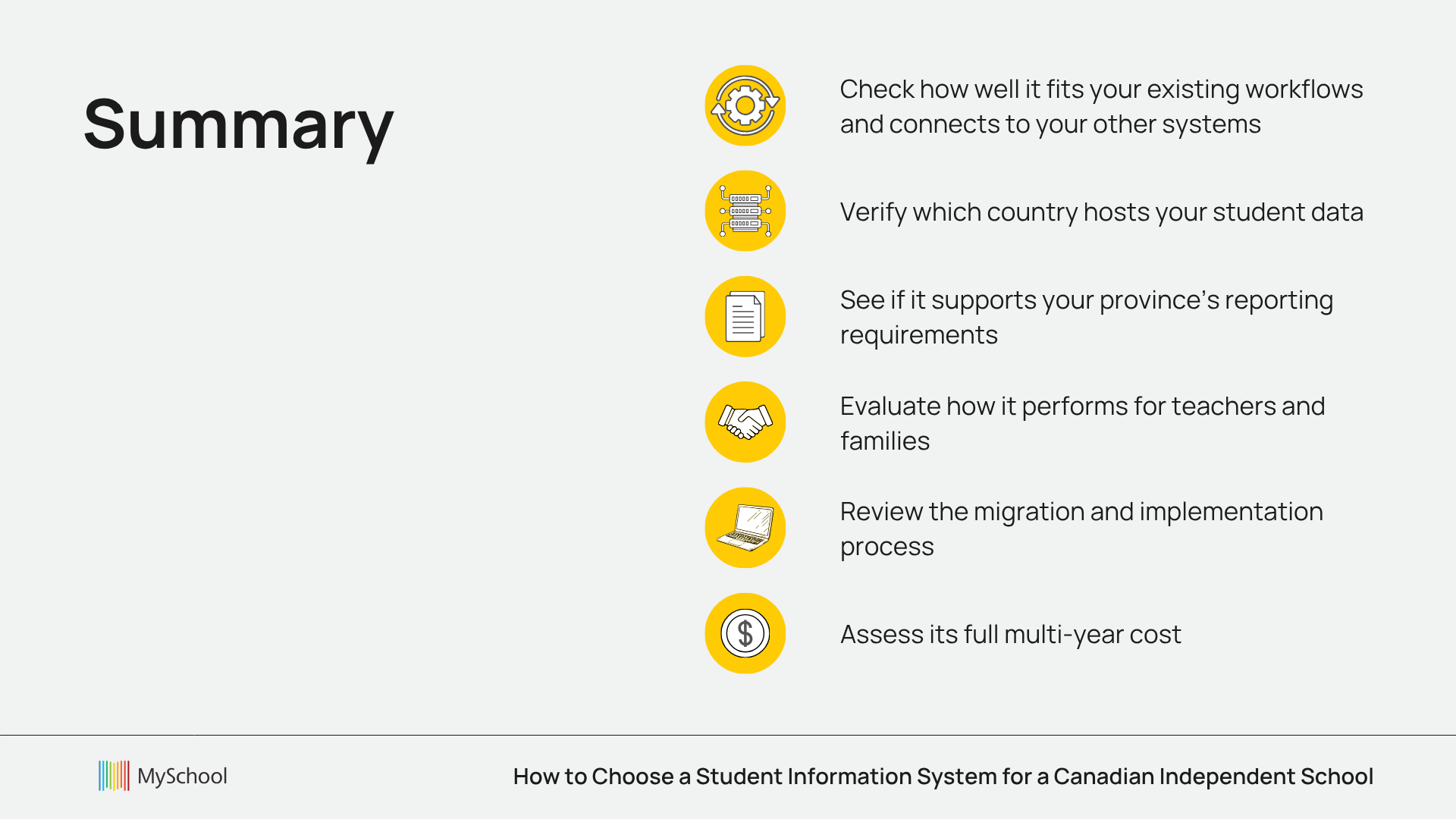
For a Canadian independent school, evaluate an SIS in this order: how well it fits your existing workflows, whether it supports your province's reporting requirements, which country hosts your student data, how it connects to your other systems, how it performs for teachers and families, what implementation and migration involve, and the full multi-year cost.
Once your school has decided that its current systems are no longer working well enough, that list is the work ahead.
If you are still getting familiar with the role of an SIS, start with our Student Information System: A Short Guide for K-12 Independent Schools. If you are already evaluating SIS software, here is what to look at before making a decision.
1. How do you check if the SIS fits the way your school works?
Feature lists can make very different student information systems look similar.
Most platforms will cover the basics: student records, attendance, grades, schedules and reporting. The more useful question is how well those functions support the work your staff complete every day.
Before comparing vendors, look at how information currently moves through your school. Follow a student record from application and enrolment through attendance, academics, tuition and graduation.
Look closely at the points where staff:
- Enter the same information more than once;
- Maintain spreadsheets alongside the main system;
- Export data into another tool;
- Manually reconcile records between departments;
- Rely on one person knowing how a process works.
Independent schools also tend to have workflows that do not fit neatly into a standard template. Timetables, tuition structures, admissions processes, assessment models, bursaries and learning support can vary considerably between schools.
When vendors demonstrate their SIS, give them real scenarios from your school and ask them to show exactly how those processes would work.
2. How should provincial reporting shape your SIS decision?
For Canadian schools, provincial reporting deserves its own place in the evaluation, and the requirements differ in every province.
In Ontario, private schools submit information to the Ministry of Education through OnSIS and complete requirements such as the annual Notice of Intention to Operate a Private School. Schools may also work with OUAC and OCAS depending on the programmes and pathways they support.
British Columbia has its own reporting environment, including the 1701 Student Data Collection and the province's Education Data Exchange.
A system that stores student information but cannot support the reporting processes your province requires will leave staff exporting records, reformatting files, rebuilding reports by hand and checking the results twice.
Ask vendors:
- Which reporting requirements do you support in our province?
- What information is generated directly from the SIS?
- What still needs to be prepared manually?
- How is data validated before submission?
- How often is the reporting functionality updated when provincial requirements change?
A demonstration of the reporting workflow itself is far more useful than a general statement that the system "supports Canadian schools."
3. Where will your student data be stored?
An SIS contains some of the most sensitive information a school manages: student and family details, academic records, attendance information and, in some cases, financial, health or learning-support data.
Data residency and security should therefore be discussed early in the selection process.
Ask prospective providers:
- Where will our data be hosted?
- How is it encrypted?
- Who can access it, and how are permissions managed?
- How are backups handled?
- What happens to our data if we eventually leave the platform?
Canadian hosting may also matter to your leadership team or board from a privacy, governance or data-residency perspective. Under PIPEDA and provincial privacy legislation, your school remains accountable for student information even when a vendor holds it.
The provider should be able to explain its security and privacy approach clearly, without relying on vague statements about being "secure" or "compliant."
4. How should the SIS connect with your other school systems?
The SIS is the central student database. It is still only part of the technology environment of an independent school.
Admissions, tuition, parent communication, learning management, IEPs, donations and provincial reporting may all depend on the same student information. That makes the relationship between systems as important as the systems themselves. If these functions sit in separate products, find out how data moves between them. What happens when an applicant becomes an enrolled student? Does their information transfer automatically? If a parent changes an address, which systems are updated? Can finance, admissions and academic teams work from the same underlying record?
When evaluating an SIS, consider the wider environment it will sit within, not only the functions inside the student record.
5. How do you test usability with the people doing the work?
 Teachers may need to take attendance quickly before class. Administrators may spend much of the day working on student records. Finance and admissions teams need different information again. Parents and students may interact with the platform through a portal or mobile app.
Include representatives from those groups when you evaluate shortlisted systems.
Ask vendors to demonstrate the common tasks your staff complete. See how many steps they take, whether information is easy to find and how clearly access can be controlled for different roles.
Look closely at the family experience too. If parents struggle to find grades, forms, messages or payment information, those problems come back to the administrative team as emails and support requests.
6. What should you establish about implementation, migration, and support before signing?
Choosing the software is only part of an SIS transition. Your existing records need to be moved, the platform needs to be configured, and staff need enough training to use it confidently.
Before signing, establish:
- Who will be responsible for migrating existing records;
- How legacy SIS data and spreadsheets will be handled;
- How much configuration is included;
- What training different teams will receive;
- Who will support the school during and after implementation.
Support performance is worth examining in the same detail. Ask providers for median first response time, ticket resolution rate and client satisfaction figures. Where possible, speak directly with schools that have already completed an implementation with them.
7. What does the SIS really cost?
The subscription price rarely tells the whole story.
Find out whether implementation, training, support, integrations, payment processing and important modules are included. Check whether pricing changes as enrolment grows or as functionality is added.
For Canadian schools buying from international providers, currency matters too. A contract priced in another currency introduces exchange-rate movement into future budgeting. There is also an internal cost to consider. Staff time spent reconciling data, rebuilding reports, maintaining duplicate records or navigating disconnected systems belongs in the calculation.
What does a good SIS decision look like in practice?
Two Canadian independent schools provide useful examples.
Okanagan Christian School in Kelowna, British Columbia, moved from Blackbaud after dealing with disconnected modules, rising costs and difficult workflows. After switching to MySchool, government reports and audit preparation that had taken multiple days could be completed in minutes. Report cards went from roughly a full day of work to about an hour, parent communication engagement increased from below 50% to above 60%, and the school reported approximately $10,000 in annual software savings.
The Study Academy in Toronto approached the decision from a different position. Its previous SIS was used mainly for provincial reporting, while much of the school's other work lived in spreadsheets, folders and Google Drive. After moving to MySchool, attendance follow-up dropped from 90–120 minutes each morning to a few minutes, school-wide communication saved more than four hours per week, and a full-year timetable could be created in about an hour.
Both schools measured the outcome in the same place, which was the daily work of their staff. The value of a student information system shows up in how a school operates once the system is in use.
Questions to ask before choosing a student information system
1. Does the system support the way our school operates?
Map your current processes before you compare vendors, then ask each one to demonstrate those processes rather than their standard demo script. Pay particular attention to timetabling, tuition structures, bursaries and assessment models, since these vary most between independent schools.
2. Which provincial reporting processes does it support?
Ask which specific submissions the system generates for your province, whether that is OnSIS in Ontario, the 1701 collection in British Columbia, PASI submissions in Alberta or Charlemagne reporting in Quebec. Establish what the system produces automatically and what your staff still prepare by hand.
3. Where will our student data be stored?
Ask for the hosting location, the encryption approach and the backup schedule in writing. Canadian hosting matters to many boards for privacy and governance reasons, and your school stays accountable for student information under PIPEDA regardless of where the vendor holds it.
4. How are permissions and access controlled?
Teachers, administrators, finance staff and families all need different levels of access to the same records. Ask the vendor to show how roles are configured and how quickly access can be changed when someone joins or leaves.
5. How will the SIS connect with our other systems?
Identify every system that depends on student data, then ask how information moves between them. The specific test is what happens when an applicant becomes an enrolled student and whether that transfer requires manual work.
6. What will teachers, administrators, families and students experience day to day?
Involve people from each group in the evaluation and ask them to complete real tasks in the system. Count the steps involved in routine work such as taking attendance or finding a payment record.
7. How will our existing data be migrated?
Establish who is responsible for the migration, what happens to legacy SIS data and spreadsheets, and how records are validated once they have moved. Ask whether migration is included in the price or quoted separately.
8. What training and ongoing support are included?
Ask whether training is role-specific and whether it continues past launch, since a system that only the original project team understands becomes fragile within two years. Confirm who your school contacts when something goes wrong and what response time you can expect.
9. What will the system cost over several years?
Build a three to five year view that includes implementation, training, integrations, payment processing and any modules quoted as extras. Add the currency the contract is priced in and the staff time your current process consumes.
10. Can the vendor show results from comparable Canadian independent schools?
Ask for references from schools of similar size, province and structure to yours. A vendor who can point to schools running the same provincial reporting as you has already solved the problems you are about to encounter.
Choosing the right SIS for your Canadian independent school
No single student information system will suit every school.
Your province, enrolment, internal resources, existing technology and the way your teams work should all shape the decision. For Canadian independent schools and private schools, provincial reporting, data residency, implementation support and predictable pricing deserve particular attention alongside standard SIS functionality.
MySchool is a unified school management platform for Canadian independent K-12 schools. Its SIS connects student records with admissions, tuition, communication, LMS, IEPs, donations and reporting within one ecosystem, with Canadian data hosting and CAD invoicing on per-student pricing.
The platform provides dedicated provincial reporting functionality for Canadian schools, including OnSIS reporting in Ontario and 1701-related workflows in British Columbia, using the student, enrolment, attendance and assessment information already held in the system.
MySchool also supports migration from legacy systems and spreadsheets, provides role-specific training and assigns each school a dedicated Customer Success Manager through implementation and ongoing use. MySchool reports a 37-minute median first response time, 99.6% of tickets solved and 98.9% client satisfaction.
If your school is evaluating its options, explore MySchool's Student Information System or talk to our team about what your school needs from its SIS.
Related Posts
Fix the Process or Replace the School Management System? How to Tell Which Problem You Have
Before you retrain the team or start shopping for new software, find out where the extra work actually begins. Learn how to test whether better ownership, training, and process design will solve the issue — or whether the limitation sits in the system itself.
11 Essential Tools for Canadian Independent School Administrators
Canadian independent school administrators juggle dozens of tasks every day. This guide highlights 11 tools that can make that work simpler, faster, and easier to manage.

The First 30 Days Back: Where School Operations Start to Crack
The first 30 days back show you how your school’s operations really hold up under pressure. This post helps you separate normal start-of-year friction from operational issues that followed you from last year.