.png)
Teachers already deliver coursework, collect it, mark it, and record progress. The question is how much of that happens in one place. This guide explains what an LMS covers, what it changes for staff and families, and what to ask vendors before you commit.
Many independent schools run on a patchwork. Records live in a student information system. Lesson plans sit on a shared drive. Parent updates happen by email, and somewhere there is a binder nobody fully trusts. A learning management system (LMS) is the software that runs the teaching and learning side of that patchwork. It is where coursework gets delivered, assignments get collected and marked, and progress gets tracked, all in one place.
This guide explains learning management systems for schools, what they do, who they support, and how to decide whether your school needs one.
What Does LMS Mean? LMS Meaning
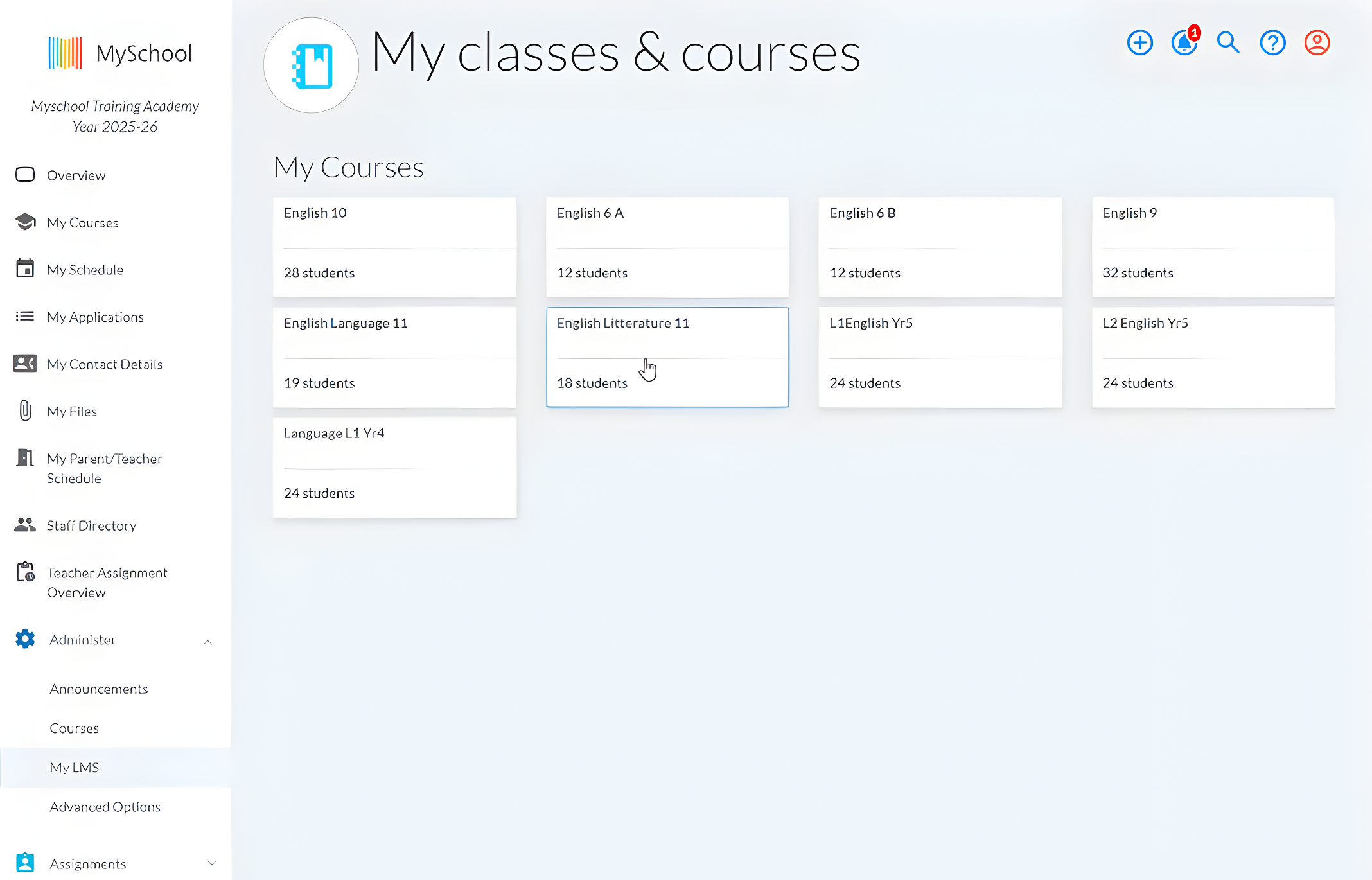
What does LMS stand for? LMS stands for learning management system, and it is software that helps schools organise, deliver, and track learning.
It is the digital space where teachers build courses, share resources, create activities, collect work, provide feedback, and review progress. Students use the LMS portal to access the learning content connected to their classes.
What’s important, an LMS may be a standalone system or one part of a wider school management platform.
What Does a Learning Management System Do? LMS Features Overview
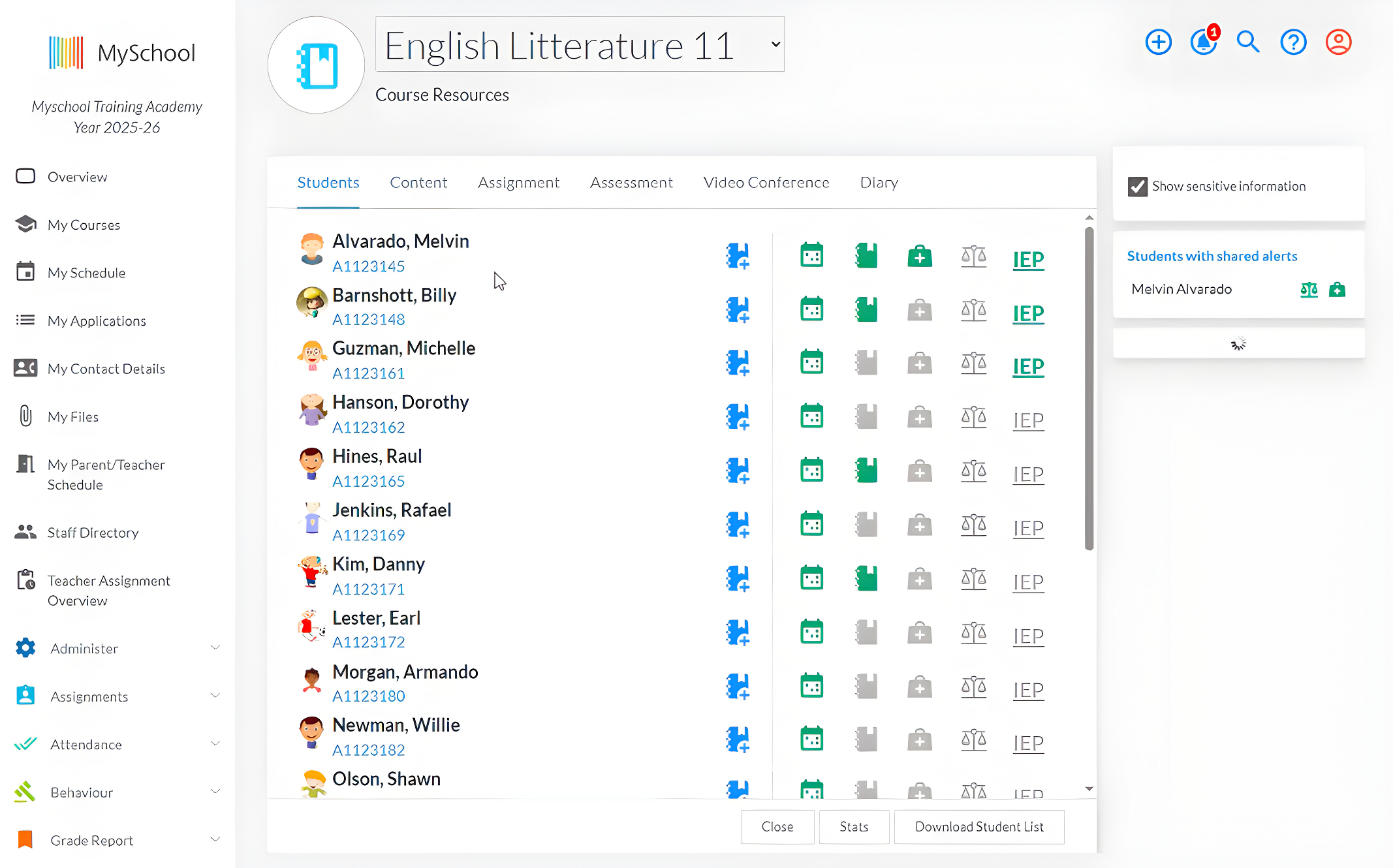
The exact LMS features vary between products, but most systems cover the same core areas.
Course and content management
Materials get organised by subject and then broken down by unit or by individual lesson. A video stays attached to the course it belongs to, along with the worksheet that goes with it. Nothing ends up in a folder only one teacher can find.
Assignments and activities
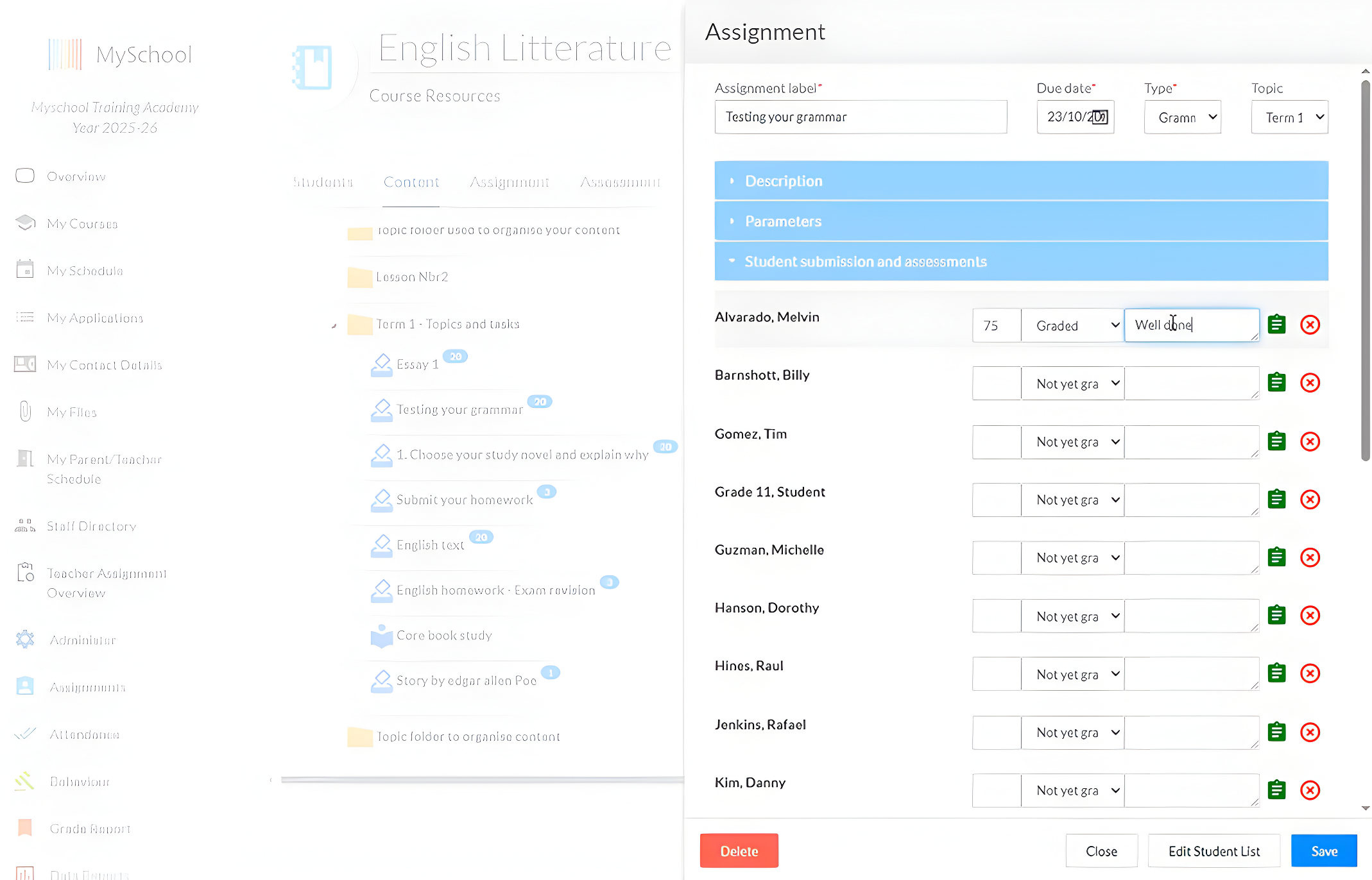
Quizzes and discussions get built in the same place as assignments. A student opens the task and can see the brief along with the due date. Submitting takes one upload and no email.
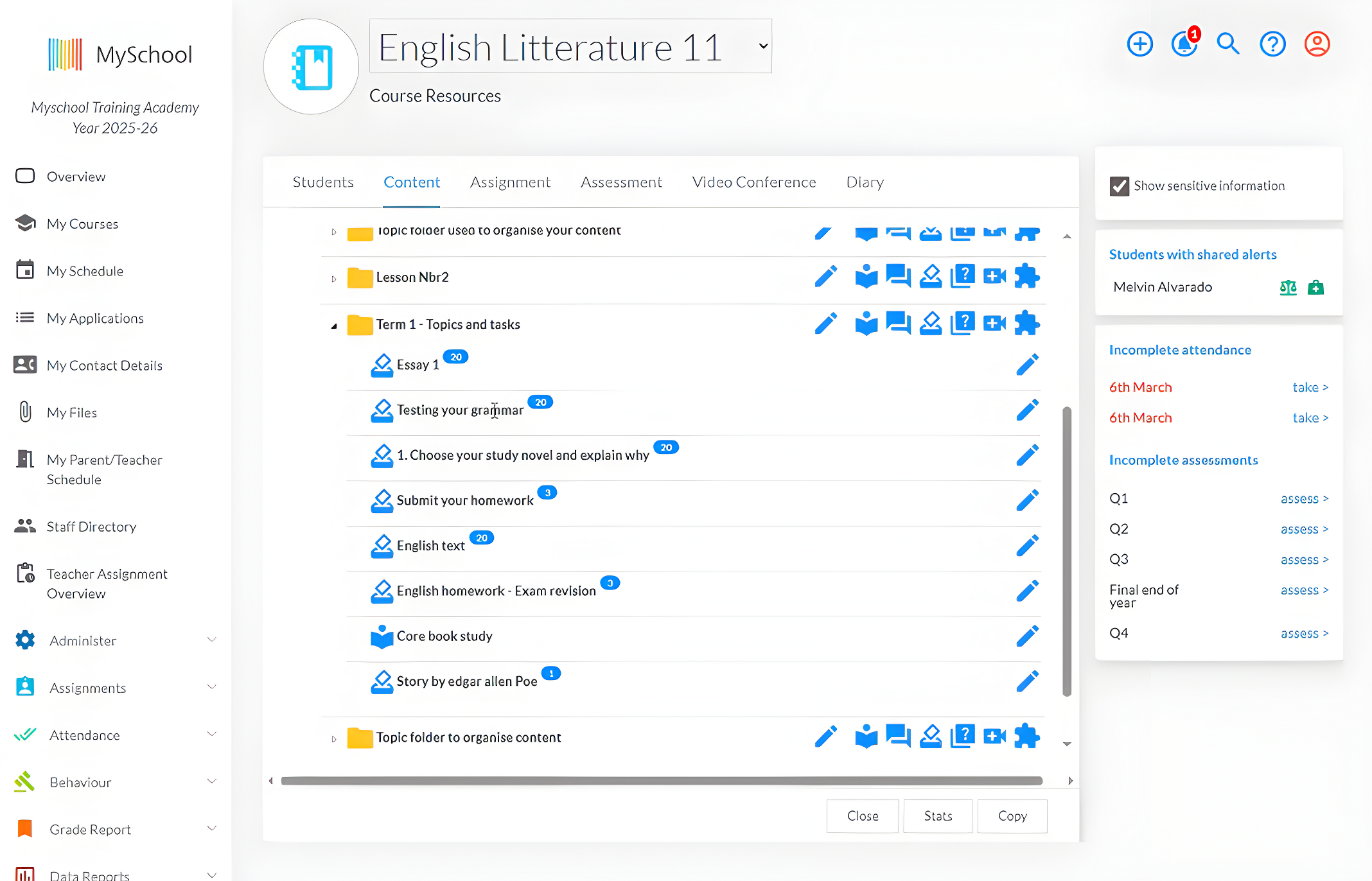
Assessment and feedback
Marking happens where the work arrives. Teachers grade submissions and leave comments, and students can go back in March to reread what they were told in October.
Progress tracking
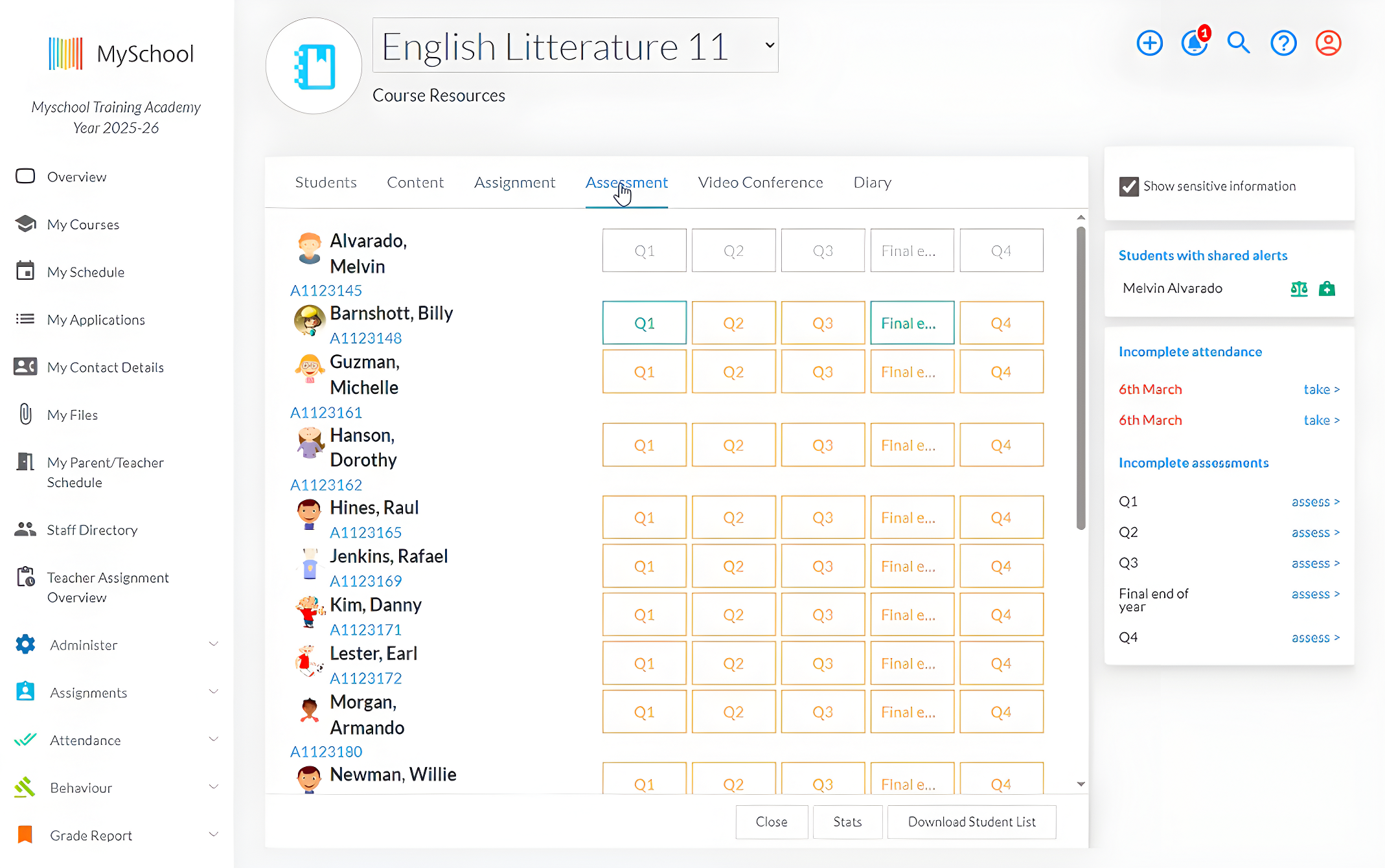
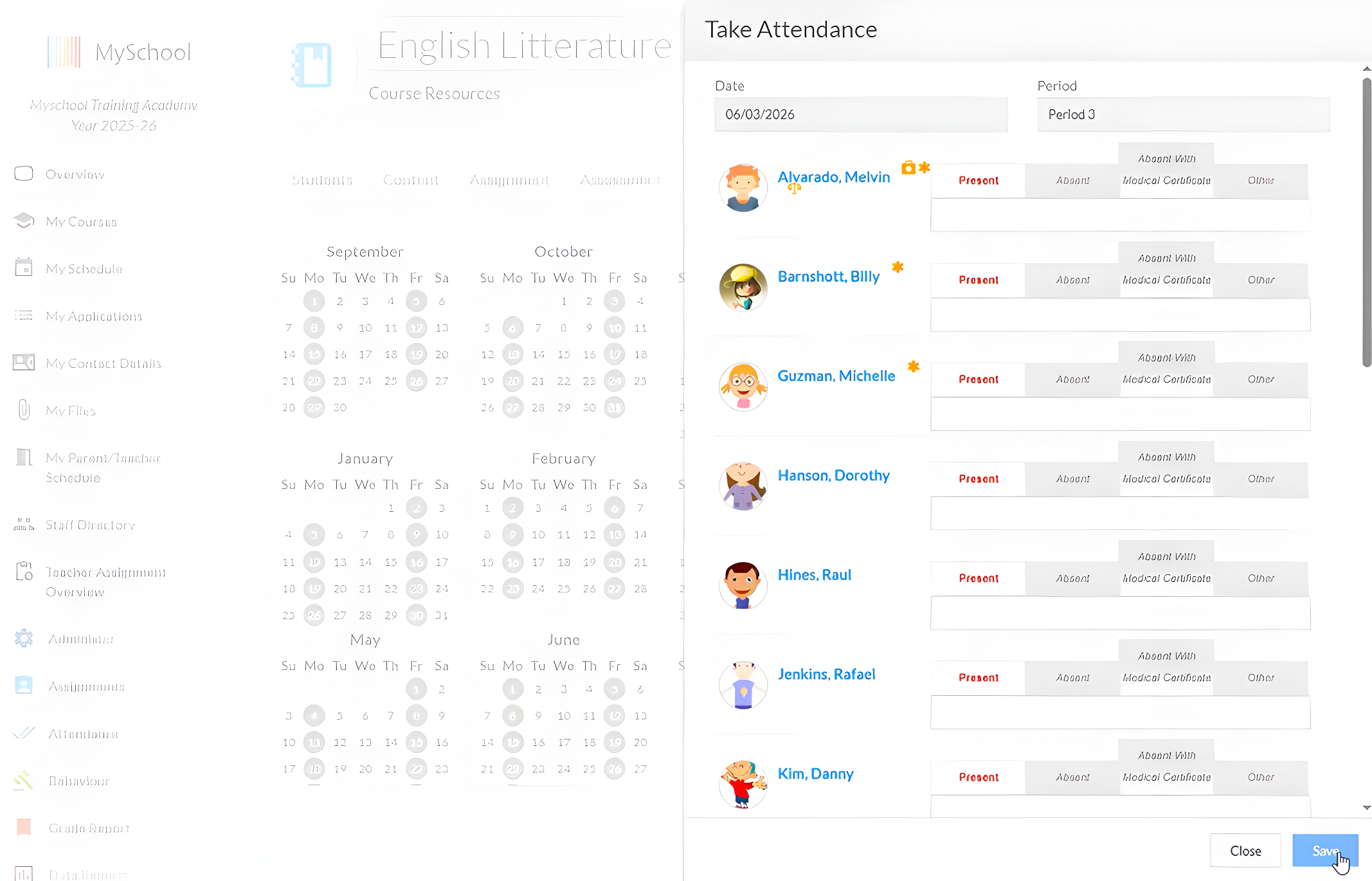
Grades, submissions, participation, and general course activity are all recorded. A teacher can look at one student or at the whole class.
User access
Teachers, students, parents, and administrators can have different levels of access. Each group sees only the information and tools relevant to its role.
Course continuity
Course structures carry over. Last year's Grade 9 history course becomes the starting point for this year's, with updates rather than a rebuild.
Why Use a Learning Management System? LMS Benefits
The main value of an LMS is not simply putting information online. It creates a more consistent way for the whole school community to access and manage learning.
For teachers
Teachers gain one place for course content, assignments, submissions, grades, and feedback.
This reduces the time spent searching through folders, matching emailed work to students, or explaining where resources have been posted. Materials can also be reused and improved each year instead of recreated from the beginning.
For students
Students can see what they are learning and what is still outstanding. Every course looks roughly the same, so there is no guessing about where a particular teacher posts things. Younger students lean on that routine. Older ones use it to plan their own week.
For parents
Parents get a window into current assignments and the feedback attached to them.
They no longer have to wait for a formal reporting point , they have a clearer view of what is happening during the term and where their child may need support.
For school leaders and administrators
An LMS helps keep course knowledge within the school.
Course knowledge stays with the school. When a teacher leaves in June, the next person inherits an organised course, because the resources never lived on a personal laptop in the first place.
School leaders can also create greater consistency in how courses are structured, where assignments are posted, and how feedback is recorded. This gives students and families a more predictable experience across the school.
What Makes a Good Learning Management System?
Comparing LMS solutions requires more than reviewing a feature list. Schools also need to consider how well the platform will work in everyday use. These questions will help schools look beyond the sales demonstration.
Is it easy to use?
Common tasks should be simple and quick. Ask vendors to demonstrate how teachers organise a course, post an assignment, review submissions, and provide feedback.
Was it designed for K-12 schools?
Suitable LMS platforms should reflect classes, year groups, academic terms, parent and guardian access, and different levels of student independence.
Does it connect with existing systems?
A good LMS should integrate with the school’s student information system and other essential tools. Ask which information moves automatically and what staff must still enter manually.
Does it work across common devices?
Families may want to access the system from laptops, tablets, or phones. The platform should remain clear and easy to navigate across every device.
Can the school manage its data?
Ask where data is stored and processed, who owns it, how it is protected, and how the school can export it. Schools should also review access controls, backups, and breach procedures.
What support is included?
Find out what onboarding covers, how migrating your existing content will be handled, and what training will be available when a new staff member joins.
Final Thoughts
MySchool's Learning Management System is built specifically for independent K-12 schools. It gives your teachers one secure place to manage course materials, assignments, grades, feedback, and progress with native connections to student information, admissions, tuition management, communication, and provincial reporting that keep your entire operation working from the same ecosystem data.
Related Posts
2026/2027 School Year Calendar for Independent Schools in Canada
Bring key dates into your school’s planning with our 2026/2027 school year calendar for independent schools in Canada, covering holidays, community observances, and provincial reporting deadlines.

Product Update: Introducing the MySchool Diploma Module
Set your school’s graduation requirements in MySchool and track each student’s progress against them.
Inside School Operations: Deb Hughes on Systems, Teamwork, and Process Enhancement
Behind The Scenes: School Leadership is a series of conversations with the people who run independent schools. Admissions directors, admins, and principals describe how their work is actually organised and where it gets difficult. We share those first-hand perspectives so other school leaders can see how the job gets done elsewhere.